


 01
Your website
Pick a template made for barbers, add your photos and prices, publish to your own address. Change anything, any time.
See the templatesFor independent barbers & barbershops
Build a website that looks like your shop, take appointments online and keep every client's cut on file — all in one place, set up in an afternoon.
Free for solo barbers · No card to start · Clients can pay in person
Imperial Bookings is a website builder, online booking system and client-records app for barbers. Everything on this page is public; you only sign in to run your own shop. If you sign in with Google, Imperial Bookings receives just your name, email address and profile photo to create your account, and never reads your Gmail, Calendar or contacts. Read our privacy policy and terms.
No more stitching together a link-in-bio, a booking app and a notes app. Your site, calendar and clients share the same data.
01Pick a template made for barbers, add your photos and prices, publish to your own address. Change anything, any time.
See the templates 02
Clients book real openings from your hours, breaks and buffers. Confirmations, reminders and reschedule links go out for you.
How booking works 03
Every visit, preference and private note in one profile — guard lengths, fade, the way they like their line-up.
Client records01Website builder
Every template is designed for barbers — from dark and moody to bright and minimal. Your services, hours and book button are wired in from day one; swap photos, colours and fonts in the studio.
Any barber who wants a clear, classic site
Independent barbers who let the work speak
Relaxed neighbourhood shops
Modern studios with bright, clean spaces
Colour, from the templates
20 palettes, every one checked for contrast.
Start from any of them, then swap photos, fonts and section layouts in the studio. Your own colours come with Starter.
02Online booking
From your website or a link in your bio. No app to download, no account required — and only times you're actually free.
The admin that eats your breaks between clients runs in the background, so your day is cutting hair.
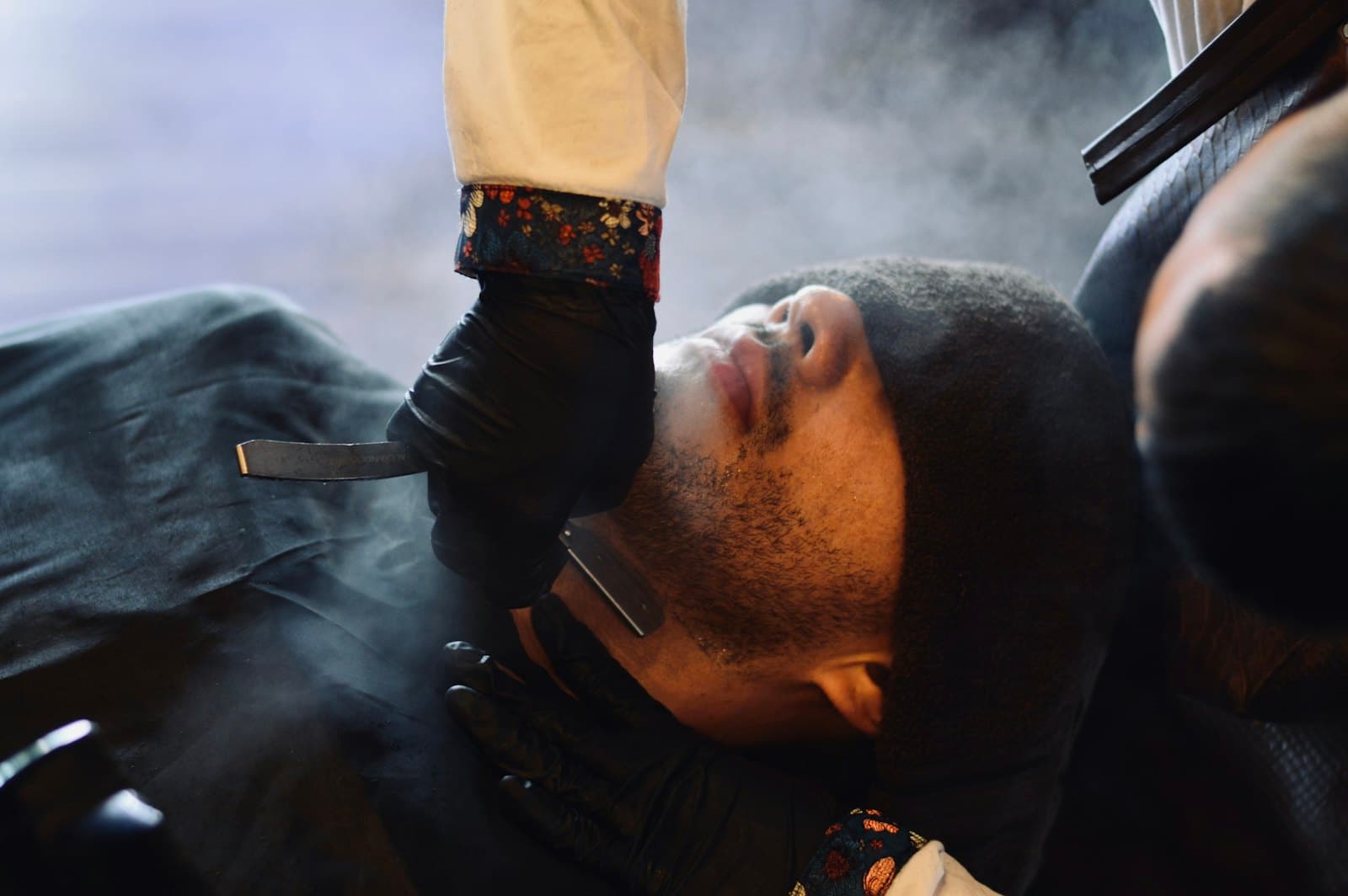
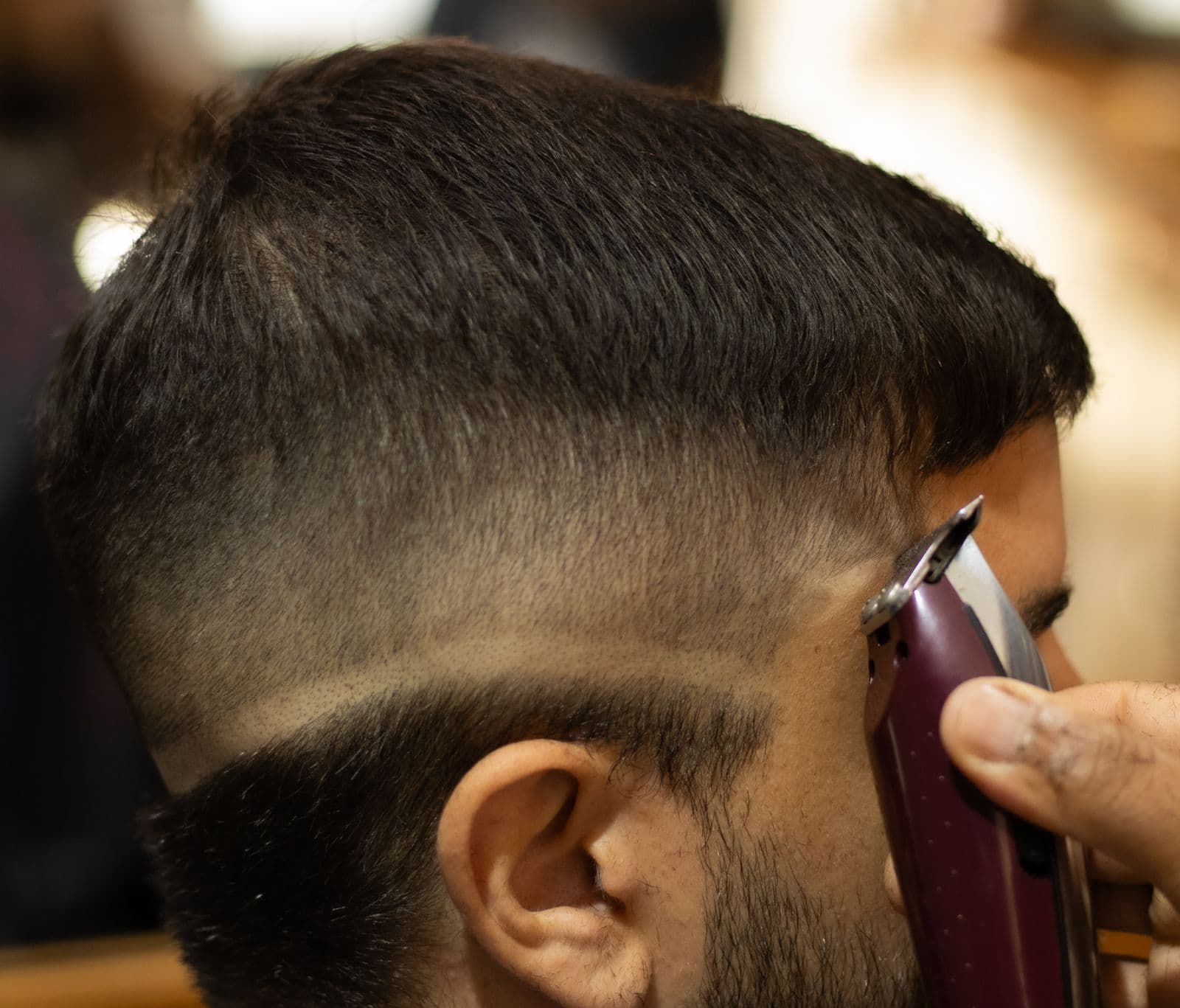
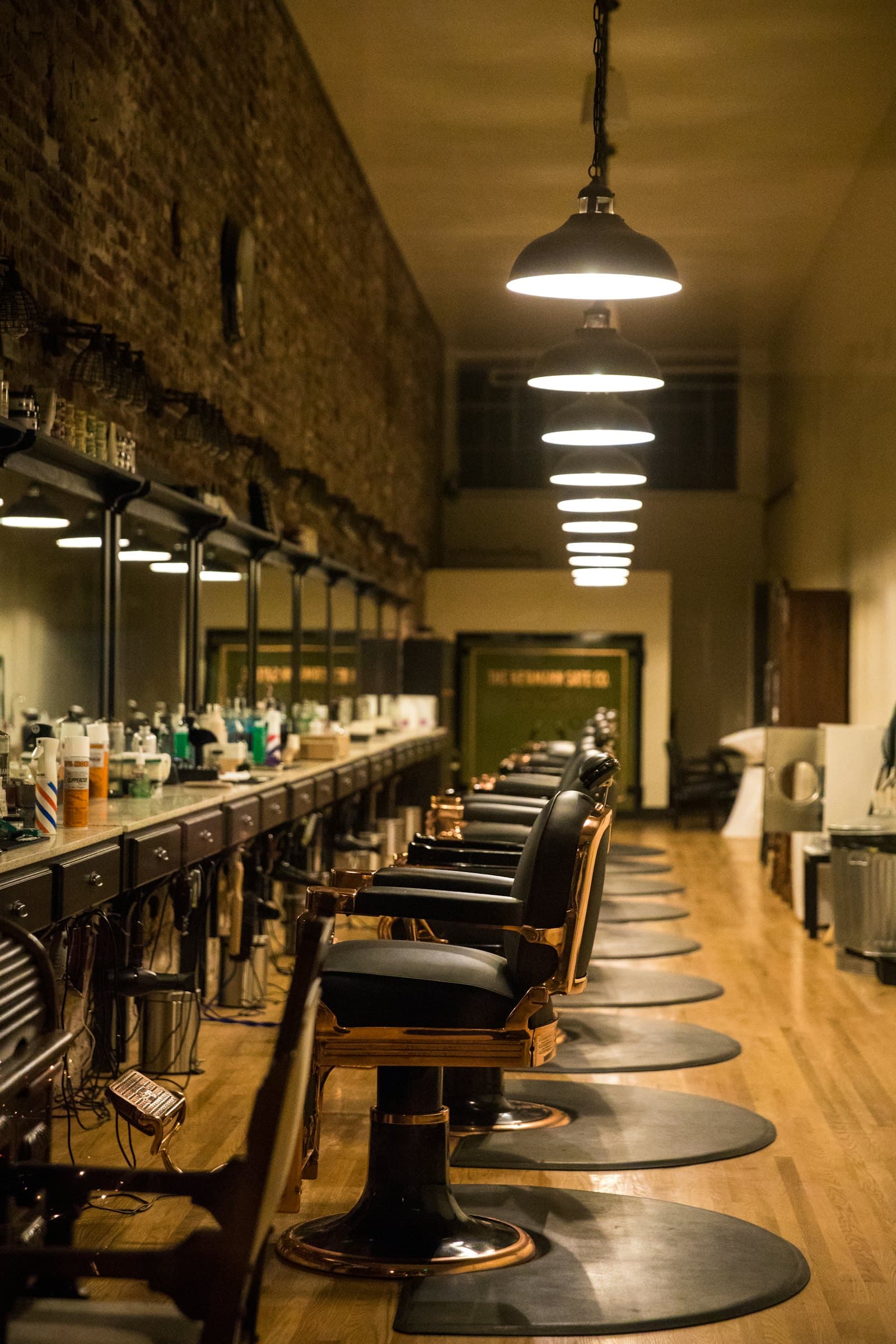
Jordan M.
12 visits · last on Sep 28
“Hard part on the left. Keeps the beard full — just line it.”
Sample client03Clients & business tools
Profiles build themselves from bookings. Add the details only you would know, and see them the moment a client sits down.
Private notes & preferences
Guard lengths, fade, styling, favourite services. Never visible to the client.
Visit history
Every appointment, no-show and spend in one timeline.
Reference photos
Keep before-and-after shots on the client's profile, privately.
Schedules that fit
Breaks, time off, holidays and per-barber hours.
Promo codes & loyalty
Reward regulars automatically after a set number of visits.
Analytics
Bookings, revenue and website visits, measured without tracking cookies.
04Payments
Keep taking cash or your card reader at the chair. Turn on deposits or full prepayment when no-shows start costing you.
Clients book, show up and pay you however you already get paid. No Stripe account, no setup, nothing taken by us.
Take a fixed amount or a percentage up front. You decide whether it's refunded when a client cancels in time.
Clients pay the whole service when they book. Refunds and cancellations follow the rules you set.
Online payments use Stripe: you connect your own Stripe account, payouts go straight to your bank, and Stripe charges its standard processing fees. Imperial Bookings adds no fee of its own on top. Paying in person never involves Stripe at all.
05Waitlist & cancellation recovery
Clients join a waitlist for the days they want. When a slot opens, Imperial Bookings offers it to the next few people in line — first to claim it gets it, and you don't lift a finger.
Included on the Pro and Shop plans.
Thursday
Illustrative · sample data2:05 PM
Marcus cancels his 4:00 PM skin fade
Inside your cancellation window, so it's free.
2:05 PM
Offer sent to 3 people on the waitlist
Each gets 30 minutes to claim it.
2:11 PM
Dee claims the slot
The others are told it's gone. Your calendar updates.
06Pricing
Monthly prices in USD. Cancel any time — your site and bookings keep working on the Free plan.
Yes. A solo barber gets a website on their own subdomain, online booking with guest checkout, schedules with breaks and time off, email confirmations and reminders, and the free templates — with no time limit and no card required.
Paid plans add premium templates, full branding control, custom domains, the waitlist and team features. See pricing for the full comparison.
Online payments run through your own Stripe account. Stripe charges its standard processing fees on each payment. Imperial Bookings doesn't add a fee of its own on top.
If clients pay you in person, there are no payment fees from us at all.
Only if you want deposits or prepayment. Booking works fully without it — clients book online and pay at the chair. You can connect Stripe later from your payment settings in a few minutes.
Every site gets a free address like yourname.imperialbookings.com. On the Pro and Shop plans you can connect a domain you already own (like yourbarbershop.com): add the DNS record we show you, and the site switches over once it's verified.
You do. Your client records, notes and booking history belong to your business; we store and process them on your behalf to run your booking. We never sell them, and we don't market to your clients.
Private notes and reference photos are visible only to your team — never to the client or the public. Read the privacy policy for the details.
You set the rules: how close to the appointment clients can cancel or reschedule themselves (from the link in their confirmation email), and whether deposits are refunded. Inside your window, they'll need to contact you. On Pro and Shop, cancelled slots are offered to your waitlist automatically.
Yes — the Shop plan covers up to 15 barbers under one website, each with their own calendar, hours and services. Invite your team by email and give each person the owner, manager or barber role.
No. Google sign-in only shares your name, email address and profile photo with us — we don't request access to Google Calendar, Gmail, contacts or anything else.
Yes, any time from your billing settings — plans are month to month. When a paid plan ends, your site and bookings carry on working on the Free plan.
Set up your site, hours and services in about ten minutes. Free for solo barbers, for as long as you like.
Running a shop with a team? The Shop plan covers up to 15 barbers.


